
fbpx

Siccura Regula — Keep Your Sensitive Files Safe, Wherever They Go

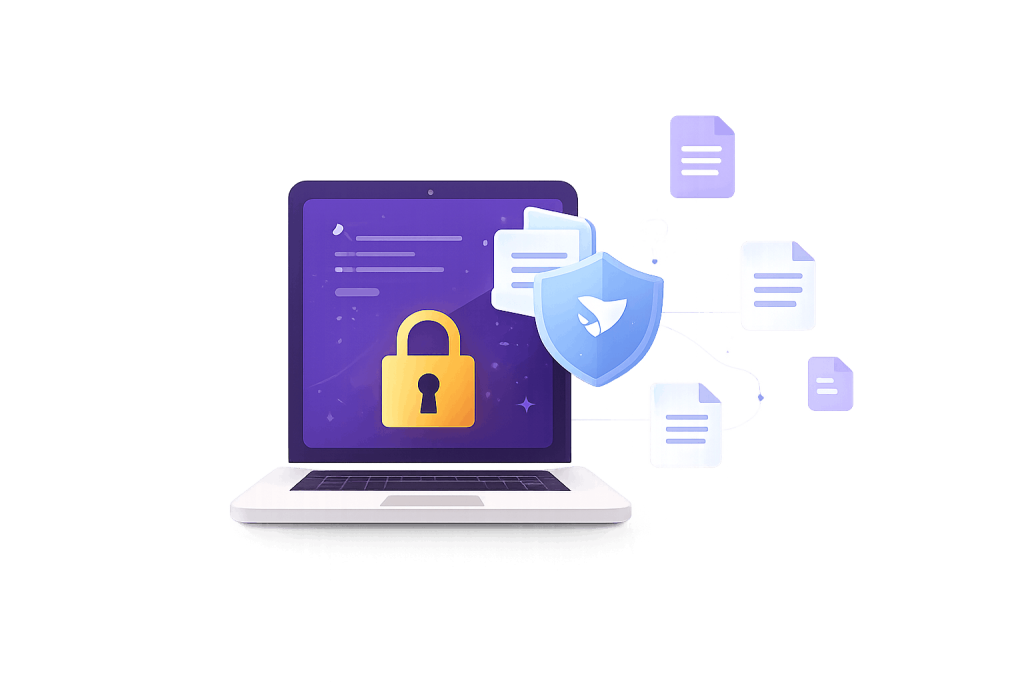
Your ERP protects the data inside it. But the files on staff laptops — mark sheets, ID scans, student lists, photos — walk out the door every day. Siccura Regula locks each file so only the right people can open it, and keeps it protected even after it is copied, emailed or synced to the cloud.

Children's Data Protection

High Penalties for Non-Compliance

Parent Rights & Data Access

Mandatory Security Safeguards

The data you can’t see is the data that leaks

Most institutes secure their main system and assume the job is done. But the real risk lives in everyday files: the Excel of every student’s details a teacher keeps on a personal laptop, the result PDF forwarded over email, the folder of admission documents synced to a free cloud account. Once a file leaves your control, you usually have no idea where it goes — or who opens it.

What That Costs You

Legal exposure

a single leaked file of students’ personal data can trigger DPDP penalties and a Data Protection Board notification.

Reputation damage

parents lose trust the moment their child’s data shows up somewhere it shouldn’t.

No accountability

with loose files, you can’t prove who accessed what when an auditor or parent asks.

What Siccura Regula Does

Classify

Automatically sorts your files into simple categories — Public, Internal, Restricted or Confidential — so everyone knows which files need protecting and which don’t.

Protect

Locks each sensitive file so only authorised people can open it. The protection is built into the file itself — so it stays protected on a laptop, on a USB stick, in an email attachment, or in a cloud folder.

Control

Decide what each person can do with a file — view only, edit, or share — and send files to outside parties such as vendors as view-only, so they can read but not keep a copy.

Track

See a full history for every protected file: who opened it, when, and where. If a confidential file is shared with someone outside the institute, you get an alert.

Why institutes choose Siccura Regula

  • Avoid DPDP penalties: Keeps personal-data files locked and access-controlled — a core “reasonable safeguard” the law expects.
  • Prove compliance fast: A per-file audit trail shows exactly who accessed what, ready for any audit or parent request.
  • Stop data walking out: Protection travels with the file, so a copied or emailed file is still safe.
  • Keep working normally: Staff use the same Word, Excel and PDF files they always have — protection works quietly in the background.
  • Cover the gap your ERP can’t: Secures the unstructured files that no education ERP is designed to reach.

Who It’s Built For

  • Schools, colleges and coaching institutes handling large volumes of student and parent data.
  • Admin and exam departments that work in spreadsheets and PDFs every day.
  • Any institute preparing for DPDP Act 2023 compliance that needs to secure files outside its core system.

Better together with SUMS ERP

SUMS ERP secures the structured data inside your institute’s system. Siccura Regula secures the loose files outside it. Run both and you cover both layers — the database and the desktop — which is exactly what a strong DPDP posture needs.

Common Questions

No. They keep using the same files and applications. Protection is applied to the file and works in the background.

Yes. The protection is part of the file, so it stays locked wherever the file goes.

Yes. You can send files as view-only, so a vendor can read them but cannot retain a usable copy.

They work hand in hand, but they are separate products. SUMS ERP is a product of Sujal Technologies Pvt Ltd; Siccura Regula is a product of Siccura Ltd, offered and supported alongside SUMS.

Let's Hear from Our Happy Clients

Book A Demo

To have a demo of the product, simply fill in the information below and a member from our team will be in touch.
Book a Demo - Main Page

Our Clients

Over 1500 clients who are leading the way to a paperless future

Scroll to Top